World guide
Worlds and diamonds: choose your own Ninja King adventure
Meet the objects in six worlds, choose a diamond-saving goal and learn the difference between shop upgrades and gesture powers.
Your world choice changes the look of the game
Worlds in Ninja King Adventures bring the same gesture controls to different scenes. When you switch worlds, the background and the appearance of flying objects change. Start in Fruit Garden and collect diamonds to unlock other themes. A new world lets you use your familiar slicing gesture among entirely different colors and objects.
It helps to distinguish worlds from difficulty levels. A world is the theme you choose in the shop; the round's pace changes as your score progresses. Choosing Space Adventure doesn't introduce harder rules just because of its name. Play calmly at first to get to know the objects, then work toward your own best score or combo goal.
What objects are in the six themes?
When choosing a world, think about the objects you want to slice as well as the background colors. You might enjoy familiar shapes in one theme; unlocking another could be your next diamond goal. The current world collection includes these scenes:
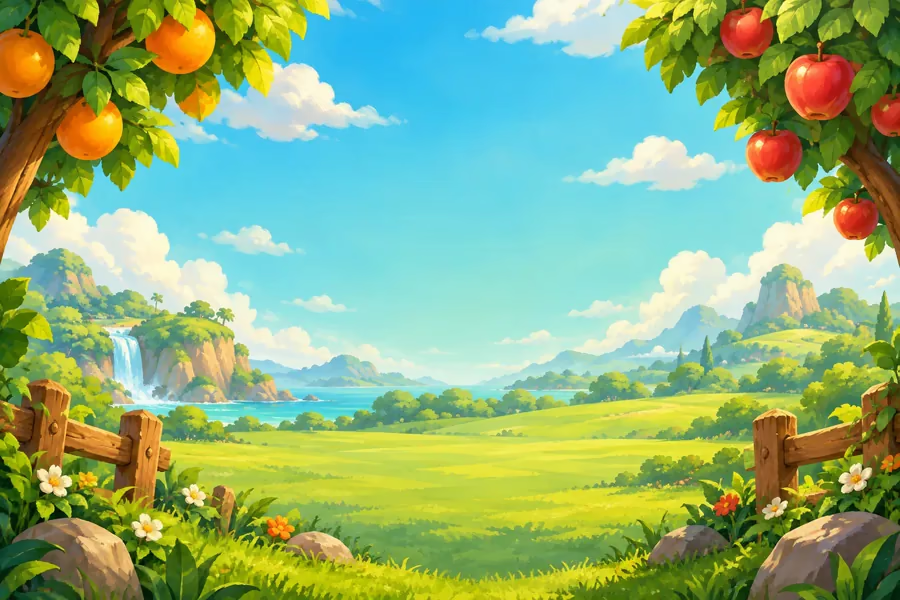
- Fruit Garden: watermelon, orange, strawberry and apple.
- Space Adventure: flying saucer, rocket, planet and satellite.
- Dragon Valley: dragon egg, ruby, flame and treasure.
- Toy Box: robot, ball, puzzle and rubber duck.
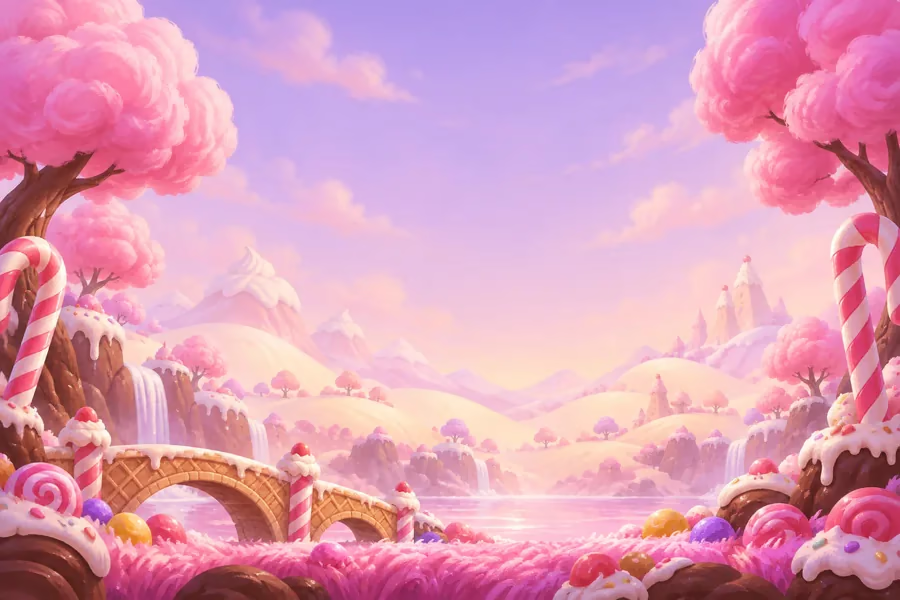
- Candy Land: donut, lollipop, candy and cookie.
- Treasure Bay: seashell, pearl, coral and starfish.
Set a small collection goal for your diamonds
Diamonds are earned by collecting gameplay objects in normal rounds. Certain combo milestones can award extra diamonds. The opening tutorial teaches gestures; its reward effects aren't added to your diamond wallet. To check collection progress, look at your balance and shop unlocks after a normal round.
Choosing one world or shop upgrade first gives you a clearer plan than aiming for the entire catalog at once. Check its current diamond cost in the shop, compare it with your balance and decide what to save for. How long a world takes to unlock depends on the objects you collect, your combo streaks and your rounds. There is no fixed number of games we can promise.
Tell shop upgrades apart from gesture powers
Lightning Slice with the V sign and Time Bubble with three fingers are gestures you use during a round. Rainbow Laser, Super Glove, Magic Magnet and Protective Shield in the shop are upgrades unlocked with diamonds. Similar names can appear in both groups; read the shop description before buying to check which effect you are unlocking.
Rainbow Laser changes the slicing trail's appearance. Super Glove widens its area of effect. The shop's Magic Magnet helps draw certain objects toward your hand, while the fist gesture power gathers safe objects in the center. Protective Shield provides extra protection at the start. Choose based on what you'd like to see or use in the game.
Your unlocked content and balance stay on your device
Your diamond balance, unlocked worlds and upgrades are kept in a local save on your device. A newly unlocked world becomes active immediately; you can choose between previously unlocked worlds in the shop. Checking the selected world's name before your next round helps you start in the scene you expect.
Don't treat local saves as backups linked to a cloud account. Remember that saves are held on your device before clearing app data or switching devices. If you notice a problem with your balance or unlocked content, describe it on the support page. Current in-app screens determine purchase options and prices; this guide explains diamonds earned through play and collection choices.
SHOW YOUR HAND, JOIN THE ADVENTURE
Start your own fruit adventure.
Discover Ninja King Adventures on Google Play. Try the gestures in the opening tutorial.
Get it on Google Play